title: “Bubble Sort Algorithm” format: revealjs editor: visual
Overview
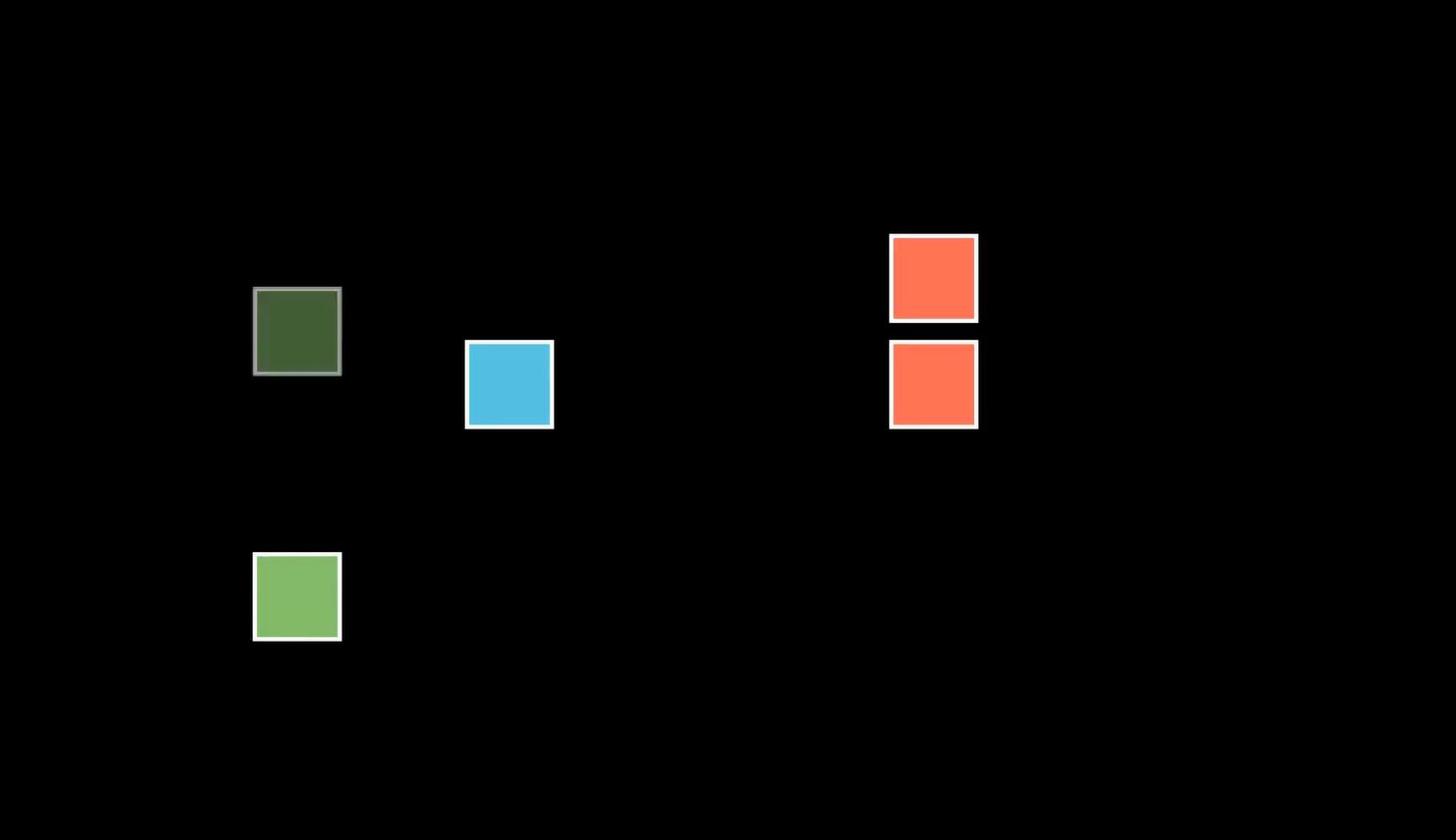
The Color Sorting Puzzle Algorithm is a visualization that demonstrates how to solve a common logic game involving containers filled with colored blocks. The goal is to rearrange the blocks so that each container holds blocks of a single color, using a limited number of allowed moves. The animation is implemented using the Manim library, showcasing a series of block transfers between containers based on a predefined sequence. It uses basic concepts of state tracking, container indexing, and visual feedback through animations to illustrate the sorting process step by step.
This educational tool not only visualizes the algorithmic flow but also emphasizes problem-solving strategies like planning moves and managing intermediate states. The animation concludes with a message indicating the number of moves taken to complete the puzzle, reinforcing the solution’s efficiency. This project serves as a visual introduction to sorting logic, puzzle-solving, and animation-driven learning.
Setup and Imports
from manim import *
import numpy as np- We import the core Manim library and numpy to assist in numeric comparison for positioning blocks accurately.
- NumPy (short for Numerical Python) is a powerful open-source library in Python that is primarily used for numerical computing
Creating the Scene
class ColorSortingPuzzle(Scene):
    def construct(self):
        # Animation logic goes here
We define a class that inherits from Scene, the basic animation unit in Manim. The construct method is where all animations and visual logic go.
Title and Background
self.background_color = (BLACK)
title = Text("Color Sort Algorithm", font_size=26, color=BLUE).to_edge(UP * 0.5)
self.play(Write(title))
self.wait(1)- Set the background to black.
- Create a text title.
- Use
Writeto animate drawing the title. self.wait(1)gives the audience time to read.
Initial State of Containers
initial_state = [
    ["red", "green", "blue", "yellow"],
    ["blue", "yellow", "green", "red"],
    ["yellow", "blue", "yellow", "green"],
    ["red", "red", "blue", "green"],
    [],
]
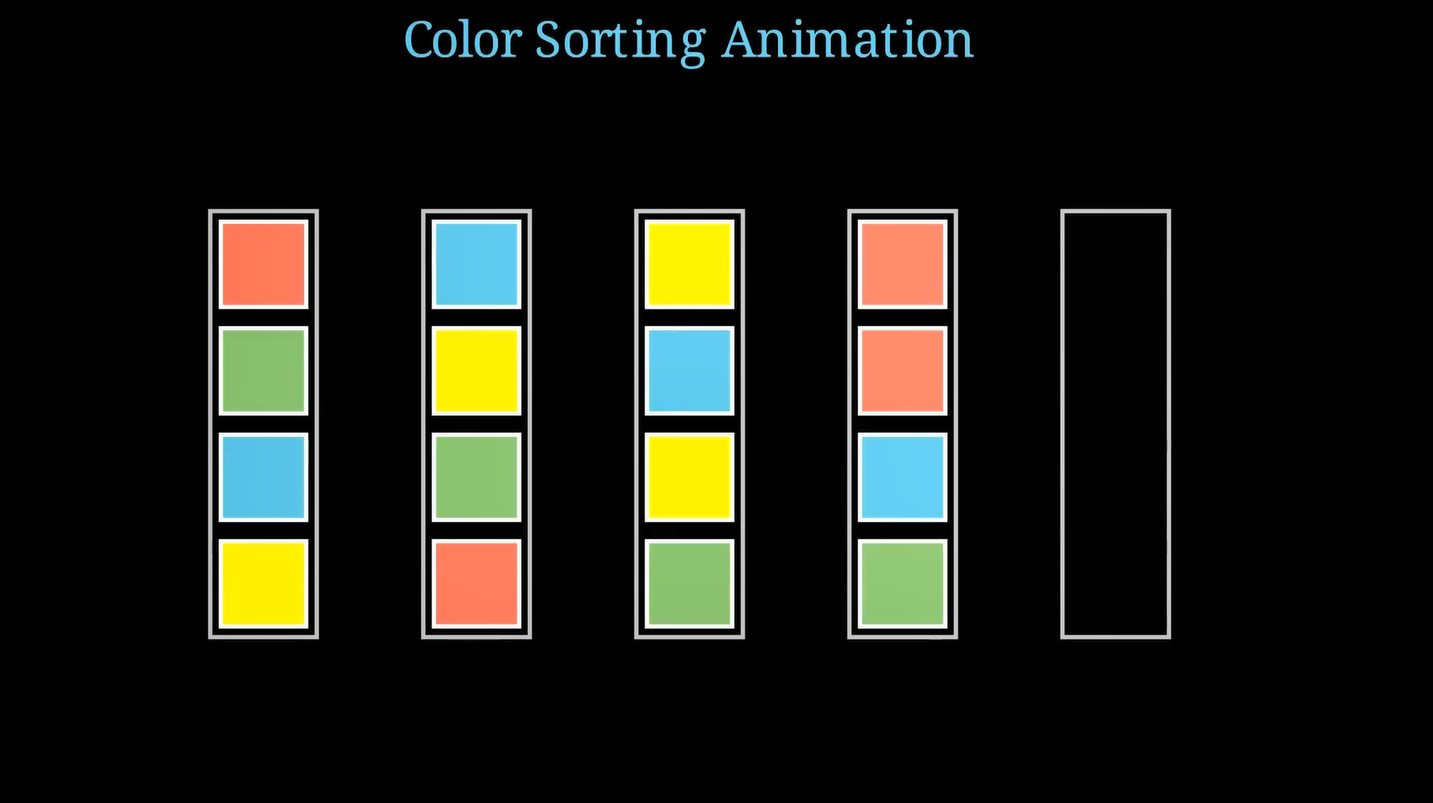
Each list is a container of colors, represented as strings. The last one is empty to allow moving blocks.
Container Positions
container_positions = [
    LEFT * 5, LEFT * 3, LEFT, RIGHT, RIGHT * 3
]
We define where each container will be placed horizontally in the scene using Manim’s positioning helpers (LEFT, RIGHT).
Color Mapping
color_map = {
    "red": RED,
    "green": GREEN,
    "blue": BLUE,
    "yellow": YELLOW,
}
Maps string color names to Manim’s color constants.
Step 1: Drawing Containers
def create_containers(self, positions):
    containers = []
    for pos in positions:
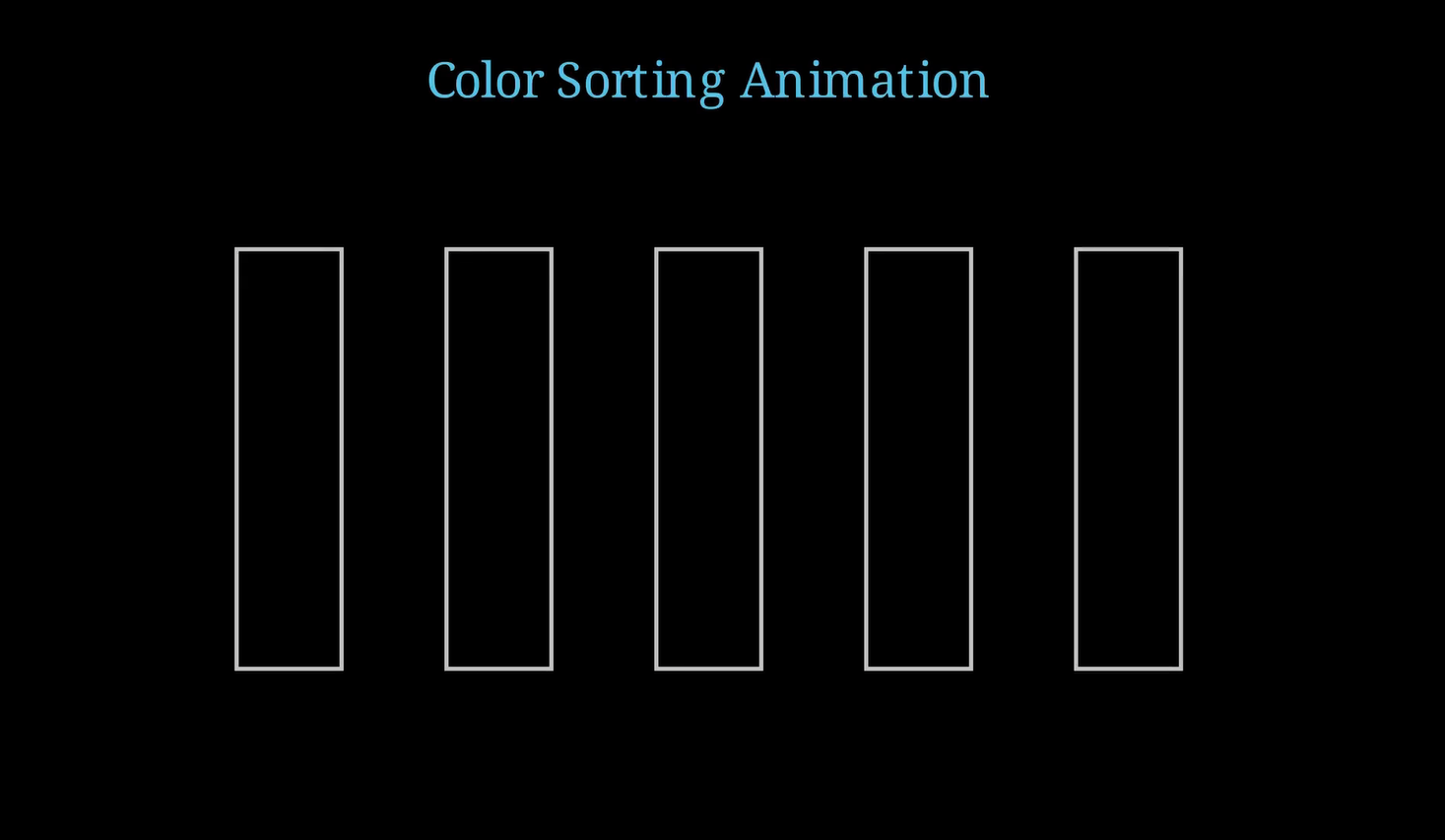
        container = Rectangle(height=4, width=1, color=LIGHT_GRAY).move_to(pos)
        self.play(FadeIn(container), run_time=0.3)
        self.wait(0.5)
        containers.append(container)
return containers- Creates rectangle containers.
- Animates them using
FadeIn. move_to(pos)places each container based on the earlier position list.
Step 2: Drawing Colored Blocks
def create_blocks(self, state, positions, color_map):
    blocks = []
    for i, container in enumerate(state):
        for level, color in enumerate(container):
            block = Square(side_length=0.8, fill_color=color_map[color], fill_opacity=1)
            block.move_to(positions[i] + UP * (1.5 - level))
            blocks.append(block)
            self.play(FadeIn(block), run_time=0.3)
            self.wait(0.5)
return blocks- Draws each block based on its color and vertical position inside the container.
UP * (1.5 - level)vertically stacks them.
Defining Block Moves
moves = [
    (1, 5), (3, 5), (4, 1), (4, 5), (2, 4),
    ...
]
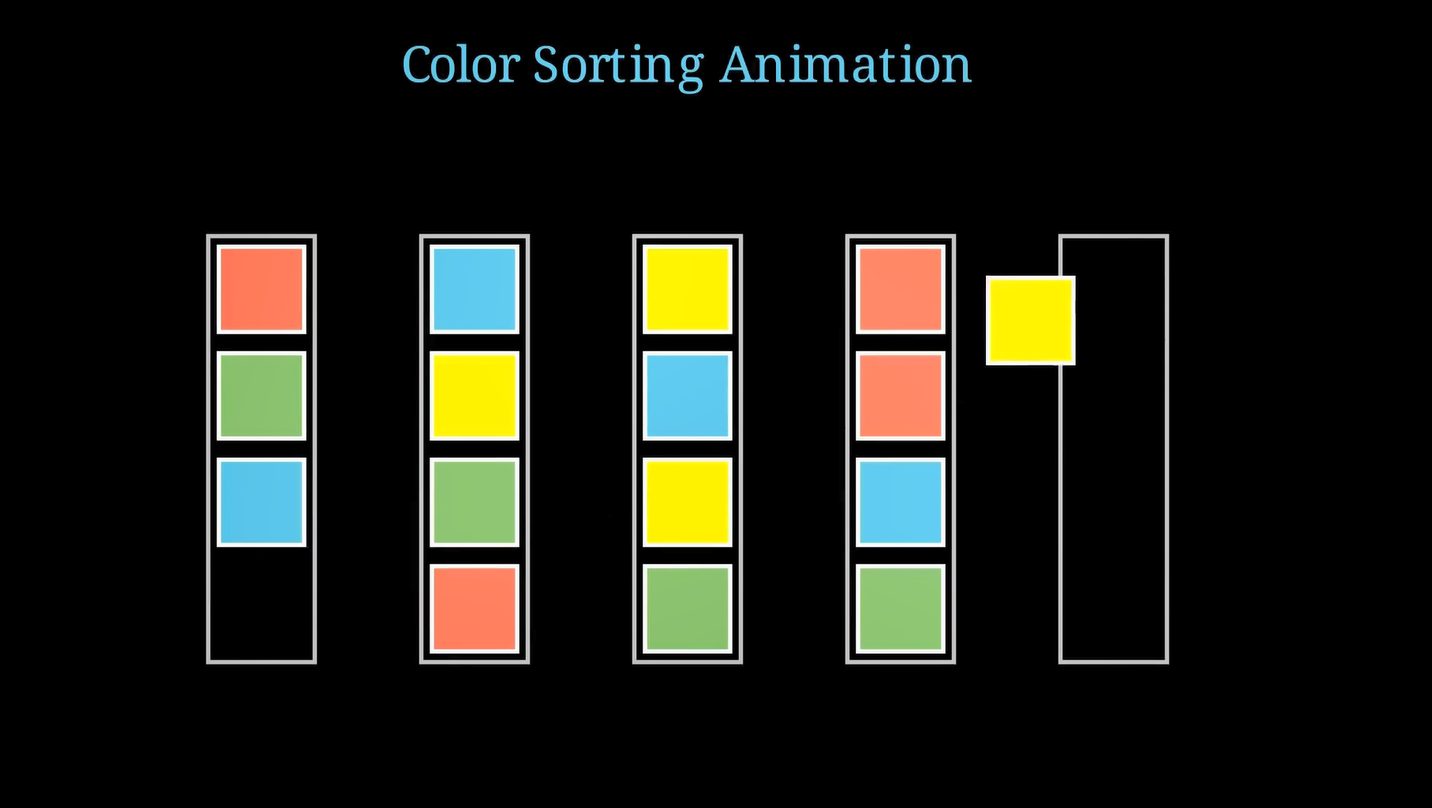
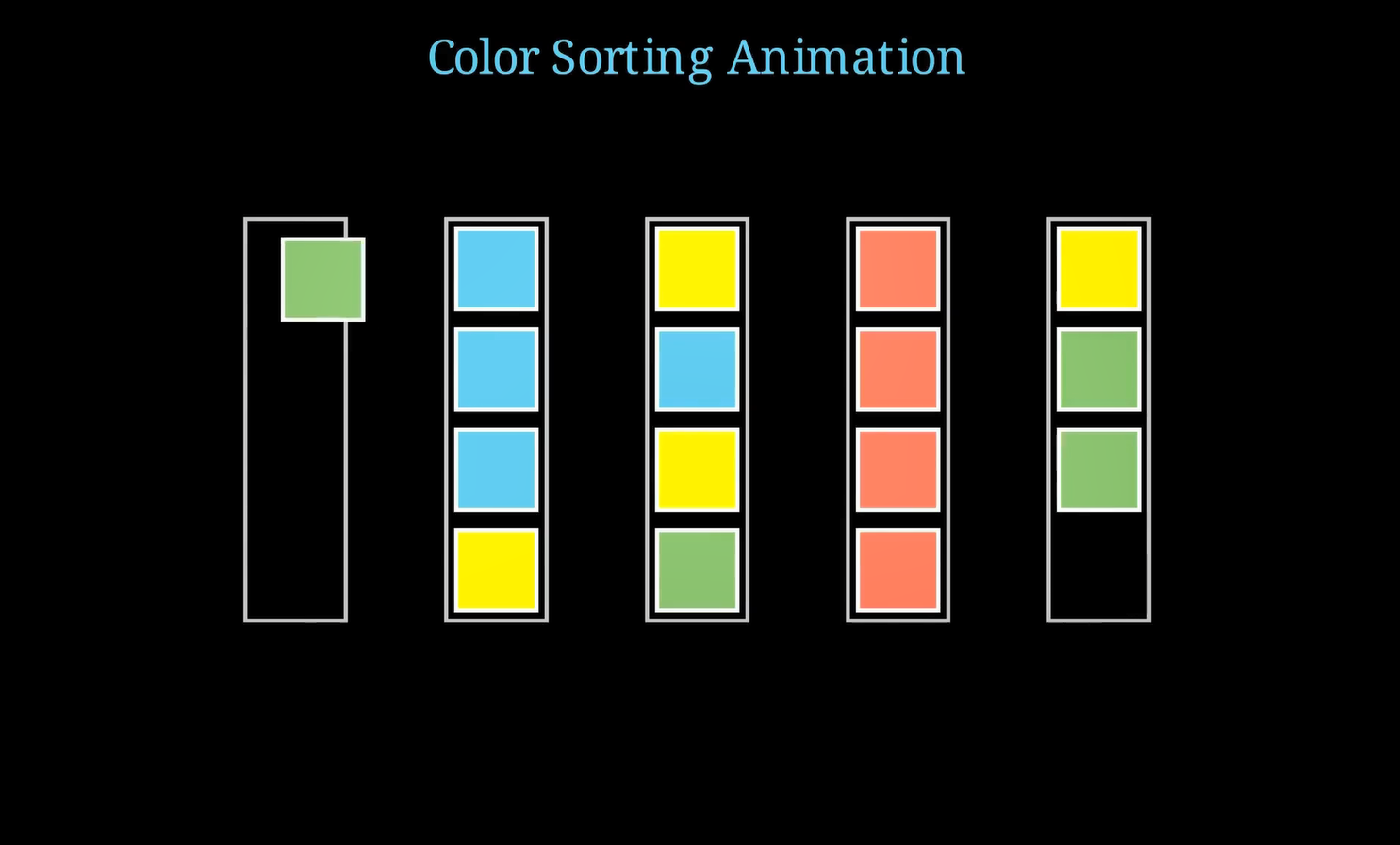
Each tuple represents moving the top block from one container to another: (source_index, destination_index).
This is the core logic of solving the puzzle visually.
Step 3: Animate the Moves
def animate_move(self, blocks, state, move, positions):
    src, dest = move
    src_index = src - 1
    dest_index = dest - 1

    if not state[src_index]:
        raise ValueError("No blocks to move...")

    source_top = len(state[src_index]) - 1
    block_to_move = self.get_block_at_position(blocks, positions[src_index], source_top)
    # ... (destination logic)
self.play(block_to_move.animate.move_to(destination_position))- Moves a block by finding its position and animating its motion.
- Also updates the state to reflect the change.
Locating Blocks
def get_block_at_position(self, blocks, container_position, block_level):
    target_position = container_position + UP * (1.5 - block_level)
    for block in blocks:
        if np.allclose(block.get_center(), target_position, atol=0.1):
return block- Finds the block at a specific container and level using a tolerance-based position match.
- This ensures the correct block is selected for animation.
Final Message
def show_final_message(self, moves_count):
    for block in self.mobjects[5:]:
        self.play(block.animate.shift(UP * 3).set_opacity(0), run_time=0.2)
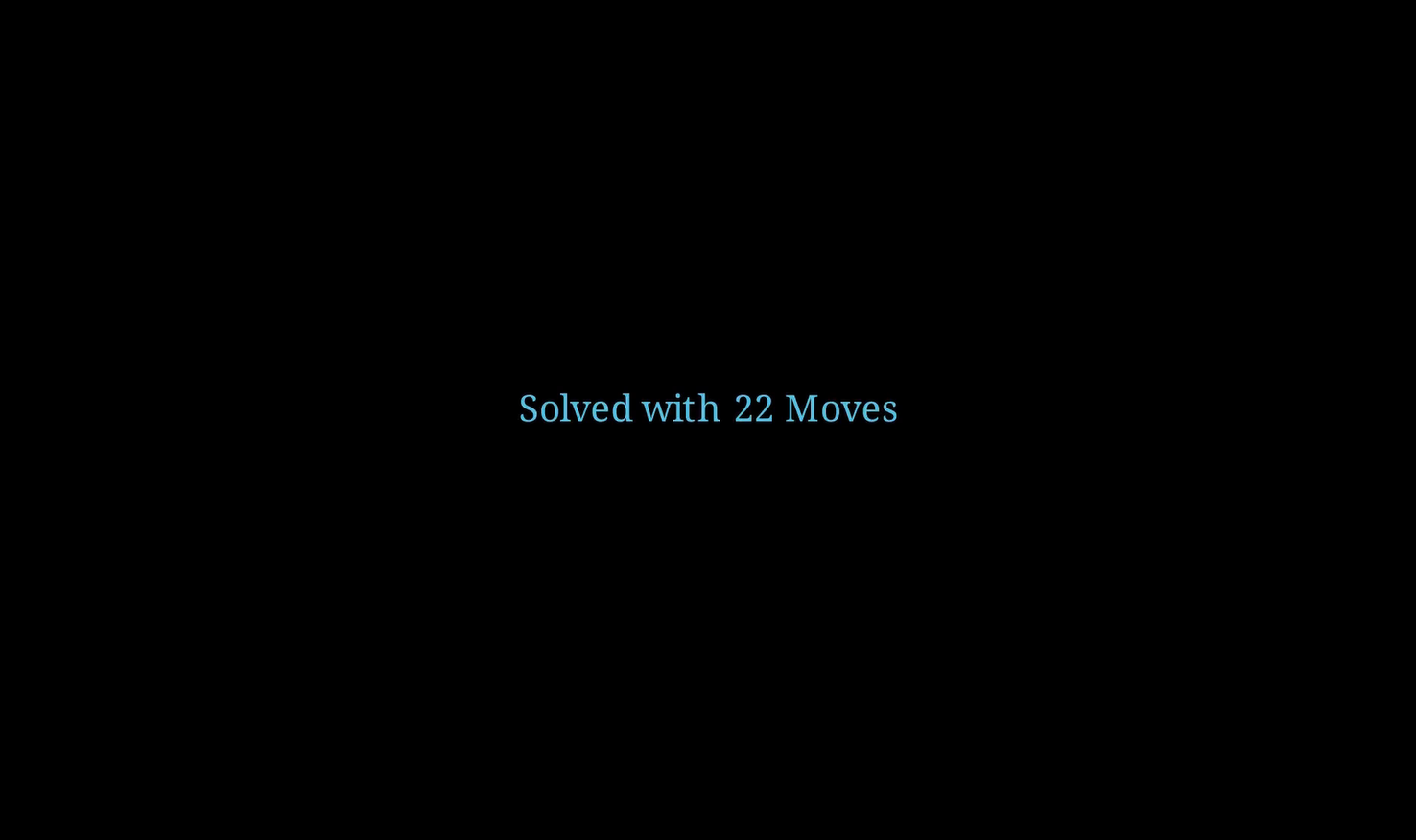
    final_message = Text(f"Solved with {moves_count} Moves", font_size=24, color=BLUE)
self.play(FadeIn(final_message, run_time=0.5))- Animates the removal of all blocks.
- Shows a summary message with total move count.
Ideas for Users
Define a new initial_state with different color orders or more containers.
Adjust the number of empty containers (e.g., try solving it with only one or two empty spaces).
Summary
In this project, we learned how to:
- Structure a Manim animation using classes and helper functions.
- Animate multiple elements (text, shapes, movement).
- Maintain and update state as the animation progresses.
This technique can be extended to simulate other puzzles, algorithms, or even visual proofs.