title: “Animating Rubik’s Cube in Manim” format: revealjs editor: visual —
Introduction
The Kociemba algorithm is a two-phase method for efficiently solving a Rubik’s Cube. It first reduces the cube to a specific subset of states (Phase 1), then finds an optimal solution from that subset to the solved state (Phase 2). This approach enables near-optimal solutions, often within 20 moves. Practically, it’s used in speed-solving programs, cube-solving robots, and educational tools due to its balance of speed and accuracy in finding efficient solutions.
The Rubik’s Cube is a 3D combination puzzle invented in 1974 by Ernő Rubik. It’s a classic brain teaser that challenges players to twist and turn the cube until each face displays a single color. The original cube is a 3x3, but there are also variations like the 4x4 and 2x2.
In this presentation, we’ll cover: - Creating a 3D scene - Displaying titles and transitions - Solving the Rubik’s cube using the Kociemba algorithm - Applying offsets and ambient rotations - Highlighting specific faces
Setup and Imports
from manim import *
from manim_rubikscube import *
from manim import *: Imports all core classes and functions from the Manim animation library.from manim_rubikscube import *: Adds Rubik’s Cube specific rendering and animation capabilities.
Class Definition and Title
class CombinedRubiksCubeAnimations(ThreeDScene):
    def construct(self):
        title = Text("CFOP Method To Solve Rubik's Cube", font_size=30, color=BLUE).to_edge(UP)
        self.play(Write(title))
        self.add_fixed_in_frame_mobjects(title)
class CombinedRubiksCubeAnimations(ThreeDScene): Inherits from ThreeDScene for 3D rendering.Text(...): Creates the main title text..to_edge(UP): Positions the title at the top of the scene.self.play(Write(title)): Animates writing of the title.add_fixed_in_frame_mobjects(...): Keeps the title fixed while the 3D scene rotates.
Part 1: Solve Rubik’s Cube
title_part1 = Text("CFOP Method To Solve Rubik's Cube", font_size=28, color=BLUE).to_edge(UP, buff=0.2)
self.play(Transform(title, title_part1))- Smooth transition from the initial title to a resized version.
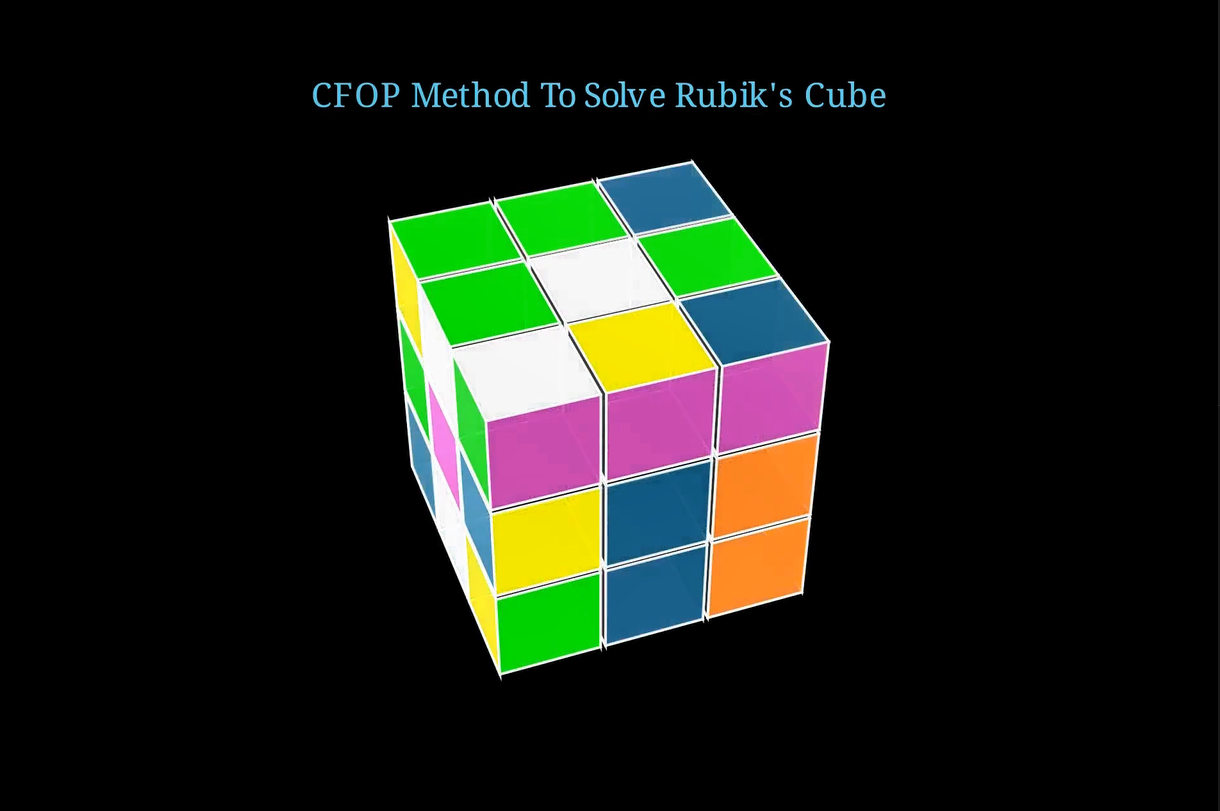
cube1 = RubiksCube(colors=[WHITE, ORANGE, DARK_BLUE, YELLOW, PINK, "#00FF00"]).scale(0.6)
self.move_camera(phi=50 * DEGREES, theta=160 * DEGREES)
self.renderer.camera.frame_center = cube1.get_center()- Initializes a cube with custom sticker colors.
.scale(0.6): Makes the cube slightly smaller.move_camera(...): Adjusts the 3D camera for a better perspective.camera.frame_center: Centers the camera view on the cube.
state = "BBFBUBUDFDDUURDDURLLLDFRBFRLLFFDLUFBDUBBLFFUDLRRRBLURR"
cube1.set_state(state)- Configures cube into a specific mixed state using a 54-character string.
self.play(FadeIn(cube1))
self.wait(0.3)- Animates the appearance of the cube.
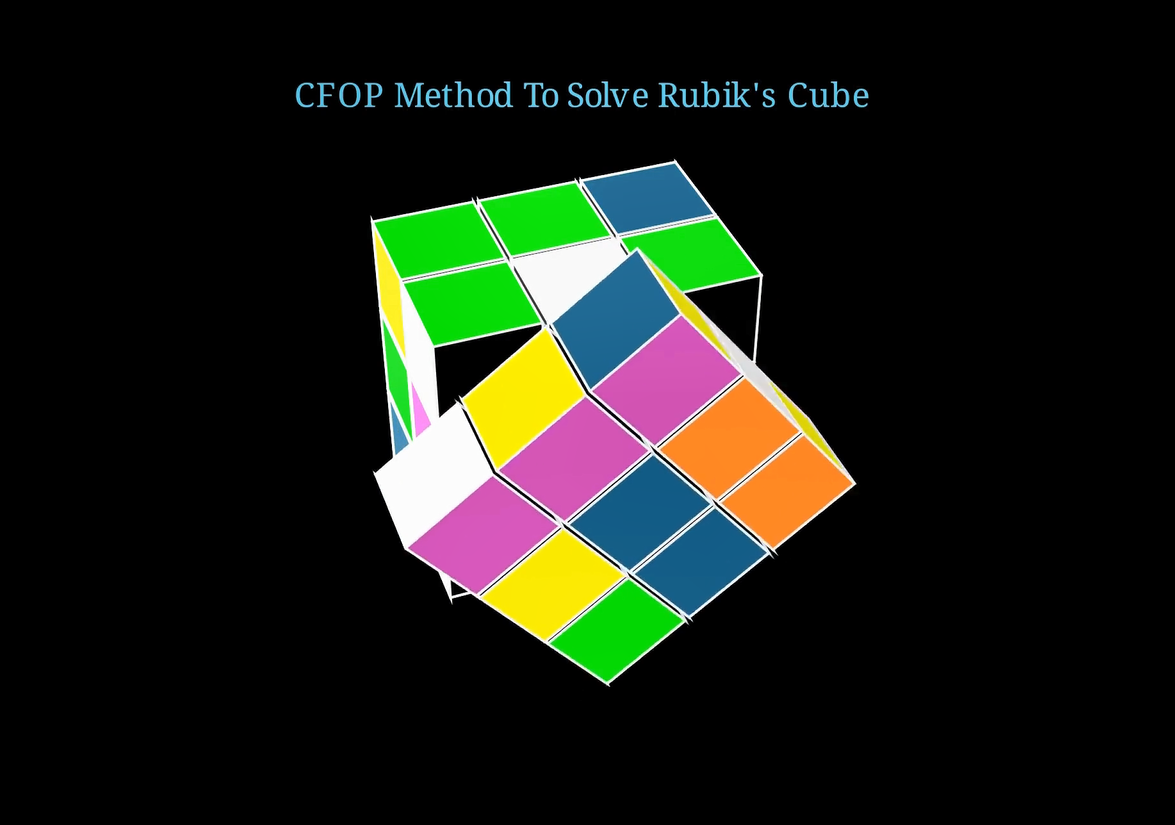
for m in cube1.solve_by_kociemba(state):
    self.play(CubeMove(cube1, m), run_time=1.5)
self.wait(0.3)solve_by_kociemba(...): Generates a sequence of moves to solve the cube.CubeMove(...): Plays each move one by one.
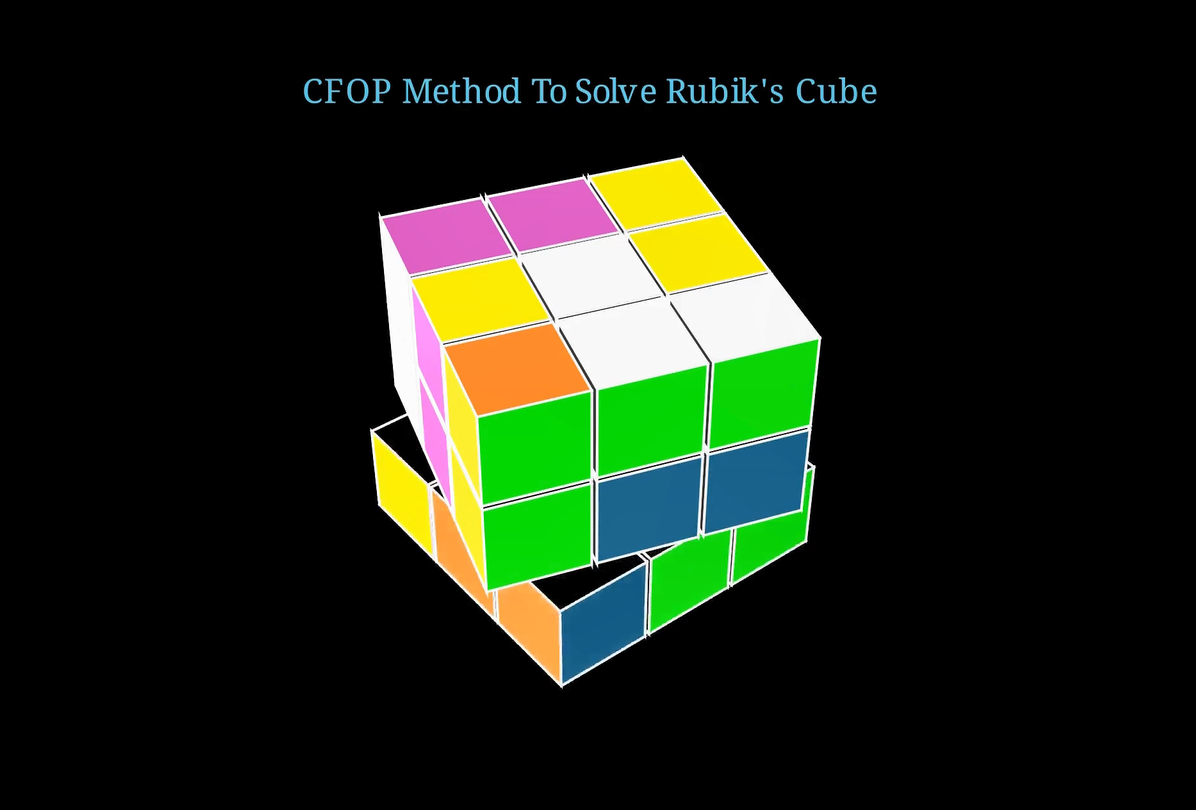
self.play(Rotating(cube1, radians=2 * PI, run_time=2))
self.begin_ambient_camera_rotation(rate=0.5)
self.wait(4)
self.stop_ambient_camera_rotation()- Spins the cube 360°.
- Slowly rotates the camera during wait.
- Ends camera rotation.
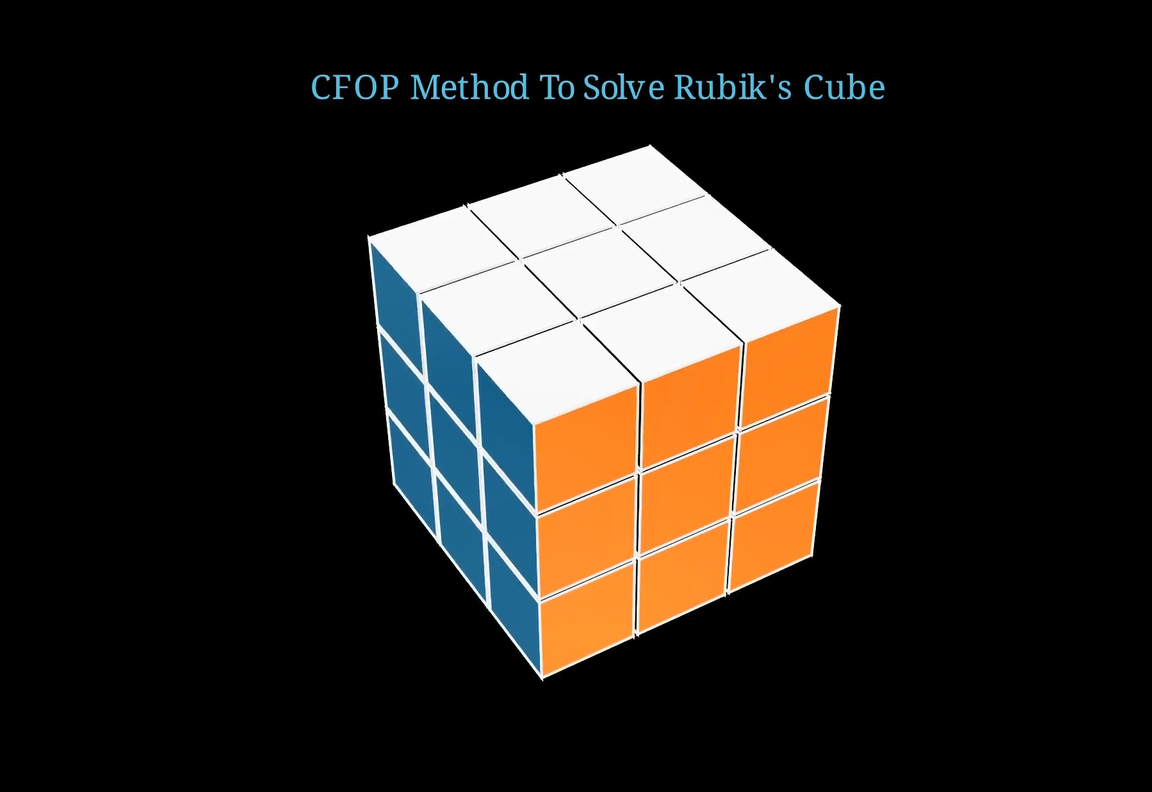
Part 2: Three Offset Cube
self.play(FadeOut(cube1))
title_part2 = Text("Three Offset", font_size=28, color=BLUE).to_edge(UP, buff=0.2)
self.play(Transform(title, title_part2))- Transitions the title to indicate the next section.
cube2 = RubiksCube(x_offset=3, y_offset=3, z_offset=3,
colors=[WHITE, ORANGE, DARK_BLUE, YELLOW, PINK, "#00FF00"]).scale(0.5)- Moves the cube away from the center in 3D space.
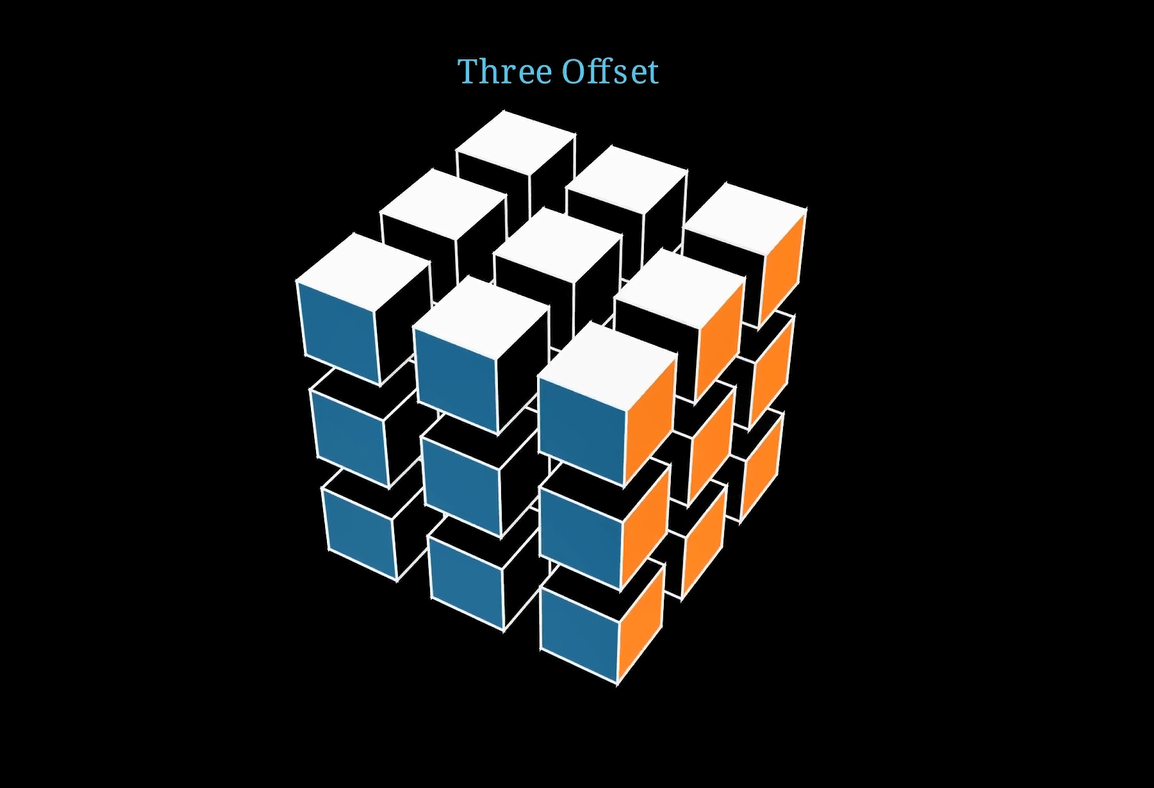
self.play(FadeIn(cube2))
self.begin_ambient_camera_rotation(rate=0.5)
self.wait(3)
self.stop_ambient_camera_rotation()
self.play(FadeOut(cube2))- Fade in, rotate camera, and fade out the offset cube.
Part 3: Y-Offset Cube
title_part3 = Text("Y-Offset 4", font_size=28, color=BLUE).to_edge(UP, buff=0.2)
self.play(Transform(title, title_part3))

cube3 = RubiksCube(y_offset=4,
colors=[WHITE, ORANGE, DARK_BLUE, YELLOW, PINK, "#00FF00"]).scale(0.6)- Demonstrates how
y_offset=4lifts the cube vertically.
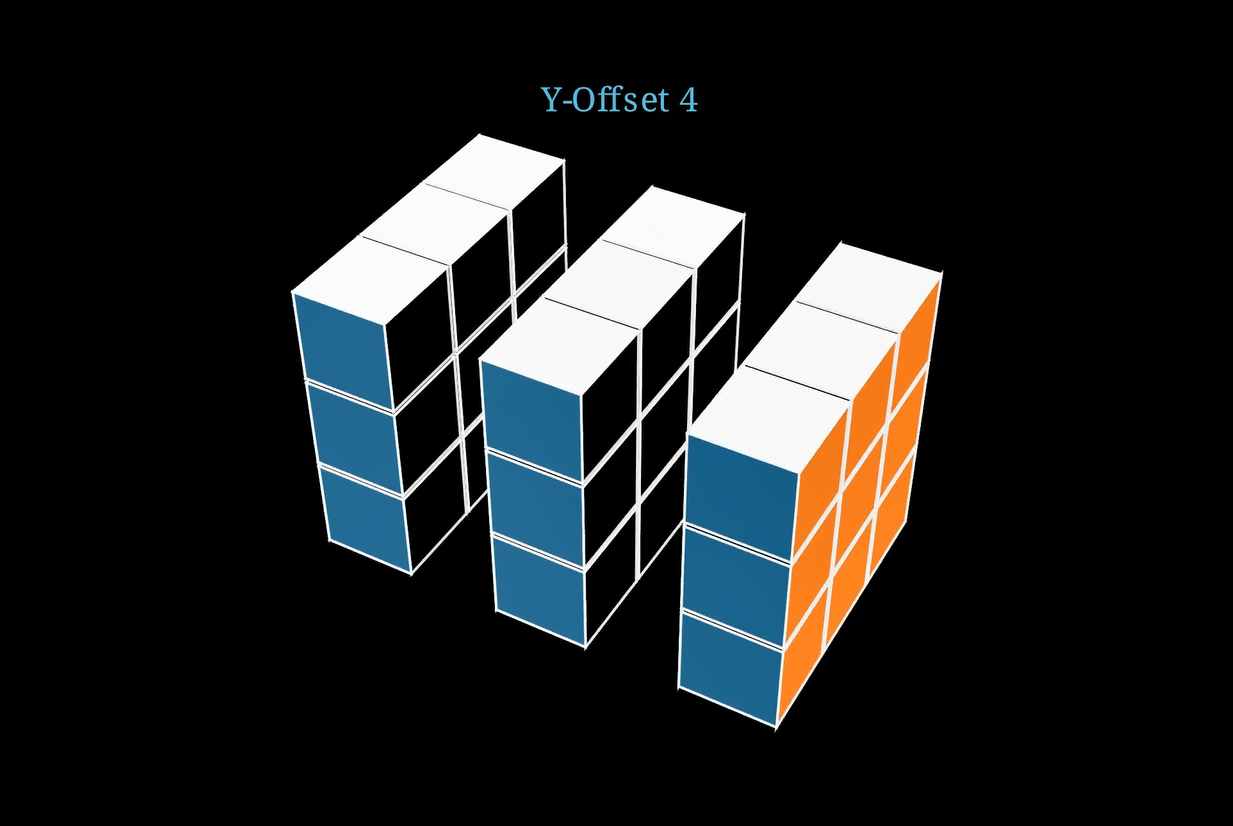
self.play(FadeIn(cube3))
self.begin_ambient_camera_rotation(rate=0.5)
self.wait(3)
self.stop_ambient_camera_rotation()
self.play(FadeOut(cube3))
camera rotations
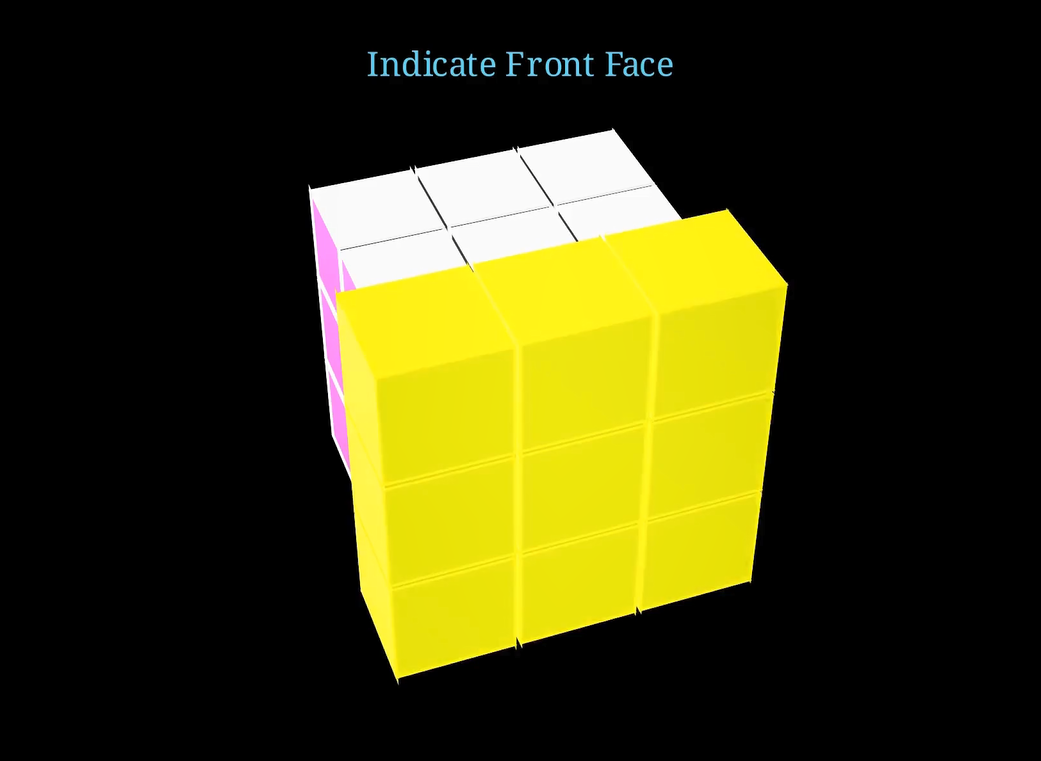
Part 4: Indicate Front Face
title_part4 = Text("Indicate Front Face", font_size=28, color=BLUE).to_edge(UP, buff=0.2)
self.play(Transform(title, title_part4))

cube4 = RubiksCube(colors=[WHITE, ORANGE, DARK_BLUE, YELLOW, PINK, "#00FF00"]).scale(0.6)- Resets to a neutral cube and changes title.
- Shows the front face
self.play(FadeIn(cube4))
self.play(Indicate(VGroup(*cube4.get_face("F"))))get_face("F"): Gets the front face of the cube.Indicate(...): Briefly highlights it (like pulsing/glow).
Wrap Up
self.play(FadeOut(cube4))
self.play(FadeOut(title))- Smoothly concludes the scene.
- Fades the content from the animation screen